My self-hosting setup: from EC2 to home lab
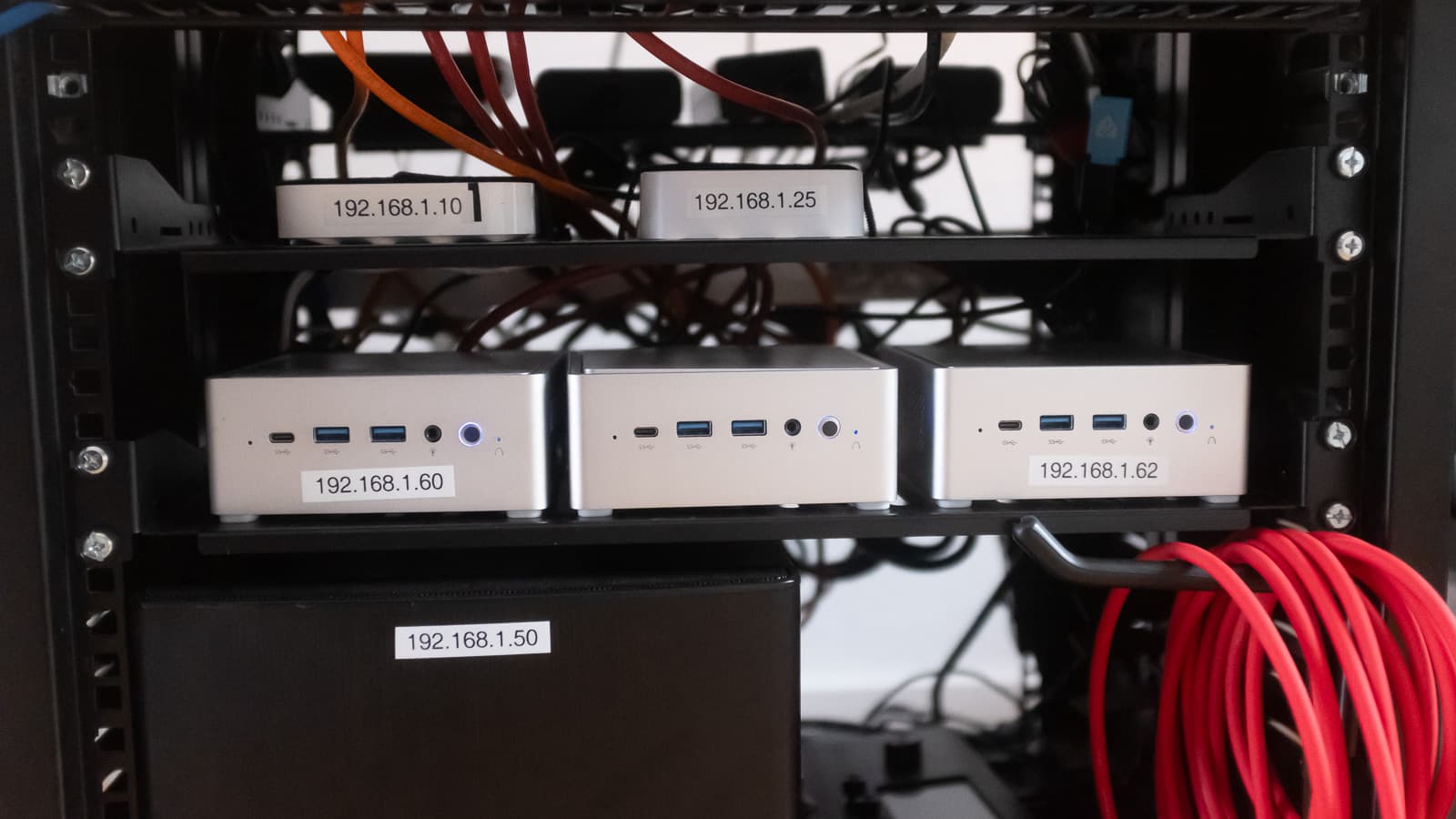

For years I hosted my apps on AWS EC2. It worked, but the monthly cost kept adding up, and I was also reading a lot about self-hosting on places like r/selfhosted, r/homelab, and Hacker News. Eventually I decided to try it myself.
I bought three small PCs and installed Ubuntu Server on each one. I set static IPs on the LAN so that services don’t jump around between machines, and so I could keep a clean mental map of where everything lives.
The next hurdle was the public IP. Like most people, my ISP gives me a dynamic IP by default. I asked DIGI (great company and prices) for an exclusive/private IP, which they offer for 1€/month. With that in place, I configured port forwarding on the router for HTTP and HTTPS to point at the server running my internal proxy.
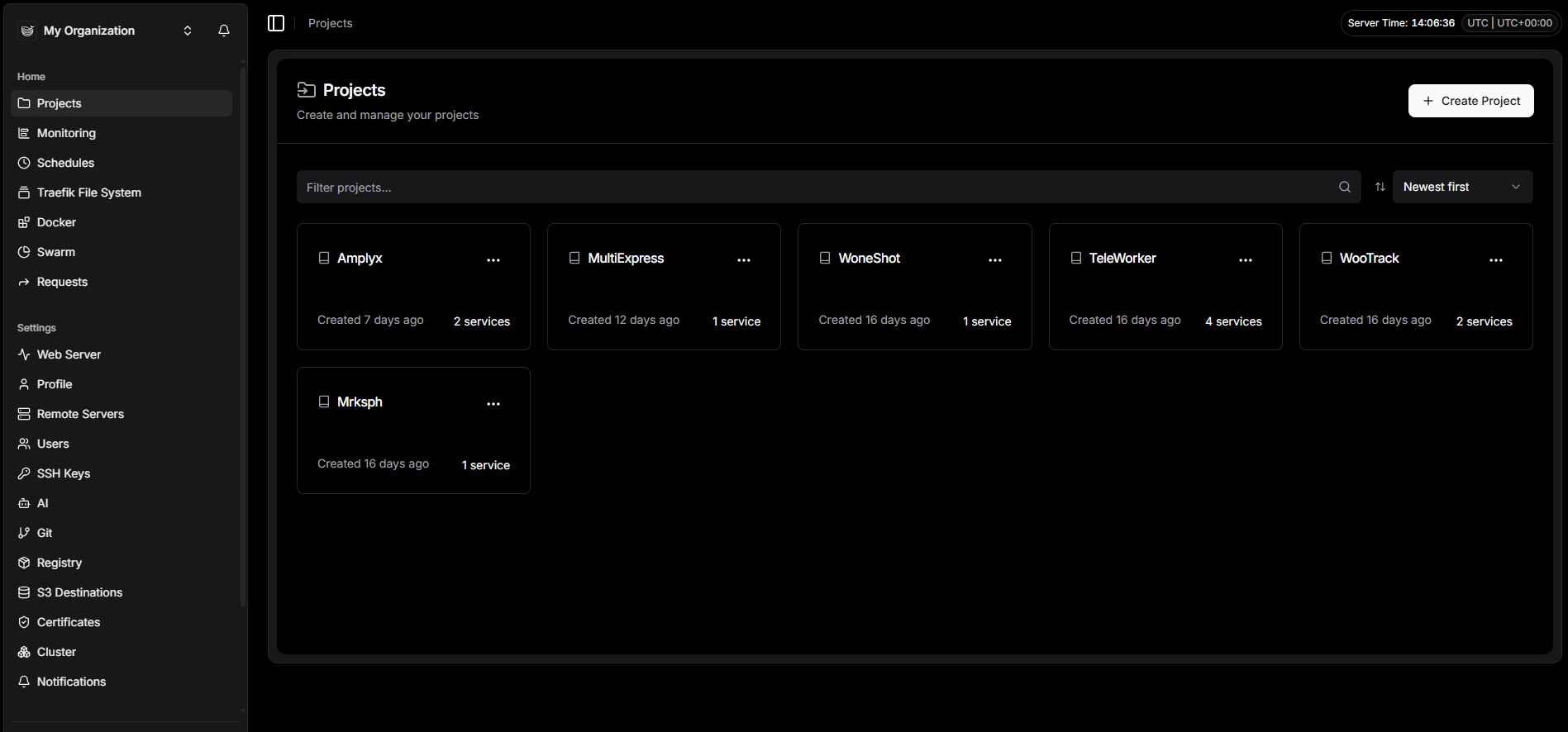
For deployment, I started with k3s and Argo CD, but after a while it felt too tedious to manage and deploy everything. I switched to Dokploy, which is a great open-source PaaS, and now I can deploy apps and databases locally with a lot less friction. It also makes rollbacks and environment variables less painful compared to my earlier setup.
To avoid IP changes or downtime when power goes out at home, I also bought a small UPS to keep the network gear and proxy server alive long enough for short outages.
Right now the stack is simple, stable, and cheap to run. The main trade-offs are time spent learning the networking details and making sure power and backups are covered, but for me it’s been totally worth it.